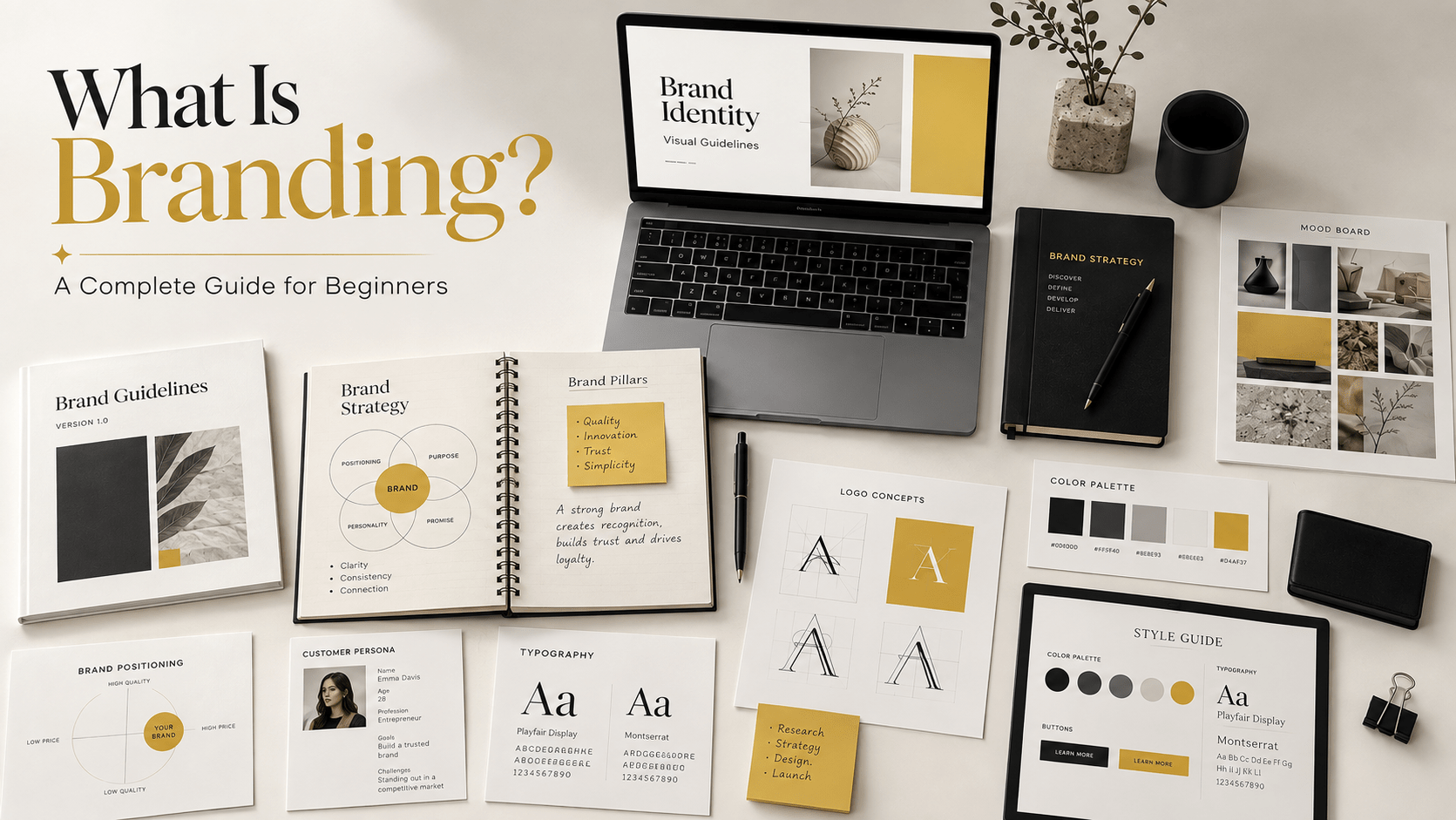
A brand can have the right logo, colors, fonts, and photography and still look different every time someone uses it.
The website might feel polished.
The Instagram account might feel more casual.
A sales presentation might use different typography.
A freelancer might create social graphics using colors that technically belong to the brand but don’t feel consistent with anything else.
Nothing is necessarily “wrong” with any individual design.
The problem is that there is no system connecting them.
This is where a brand design system becomes important.
In 2026, brands communicate across more touchpoints than a traditional brand identity was originally designed to handle: websites, social platforms, newsletters, digital products, presentations, advertisements, mobile interfaces, AI-assisted content production, creator collaborations, and more.
A brand therefore needs more than a collection of visual assets.
It needs rules for how those assets work together.
A brand design system provides that structure.
What You'll Learn
ToggleWhat Is a Brand Design System?
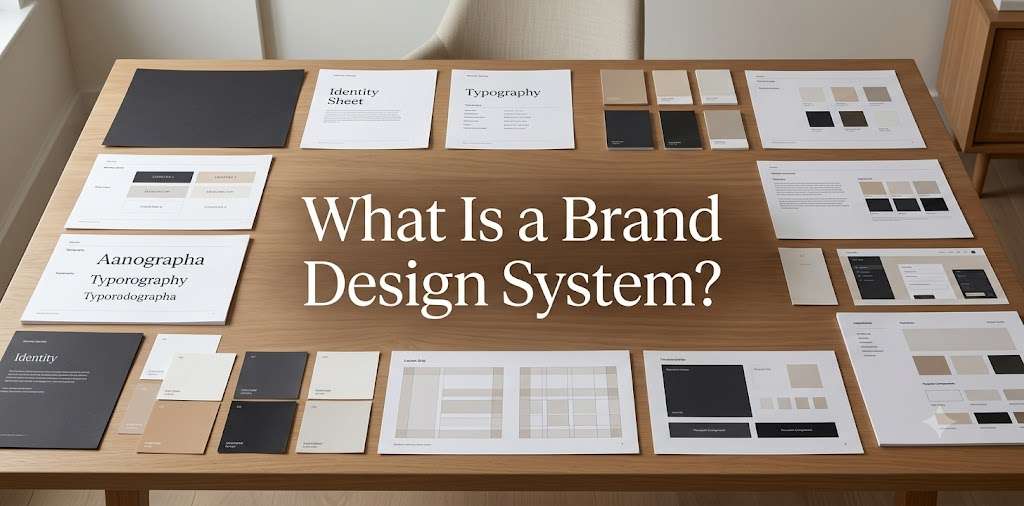
A brand design system is a structured set of visual components, rules, relationships, and reusable design decisions that determine how a brand should appear consistently across different applications.
Think of a traditional brand identity as the visual language of a brand.
A design system is the operating system for using that language.
It can define how your:
- logo
- colors
- typography
- layouts
- imagery
- icons
- illustrations
- buttons
- graphic elements
- spacing
- templates
- motion
- UI components
work together.
The important word is system.
A color palette alone isn’t a system.
A folder containing 50 social media templates isn’t necessarily a system either.
A system explains relationships.
For example:
Primary heading → large bold typography → specific spacing → defined color → specific layout relationship.
That decision can then be reused across multiple channels.
Why a Brand Design System Matters in 2026
Brand consistency becomes harder as the number of content creators and communication channels increases.
Consider a small company with:
- one founder
- one designer
- one social media manager
- two freelancers
- an email marketer
- an AI-assisted content workflow
Six people can easily interpret the same brand differently.
The issue isn’t necessarily lack of talent.
It is lack of shared rules.
A design system reduces the number of decisions people have to make from scratch.
Instead of asking:
“Which font should I use?”
the team already knows.
Instead of:
“How should this Instagram carousel look?”
there is a defined visual structure.
Instead of:
“Can we use this color for the CTA?”
there is a system that explains where the color belongs.
This is especially valuable when a brand is producing content at high frequency.
Brand Identity vs Brand Design System
These terms are closely related but aren’t identical.
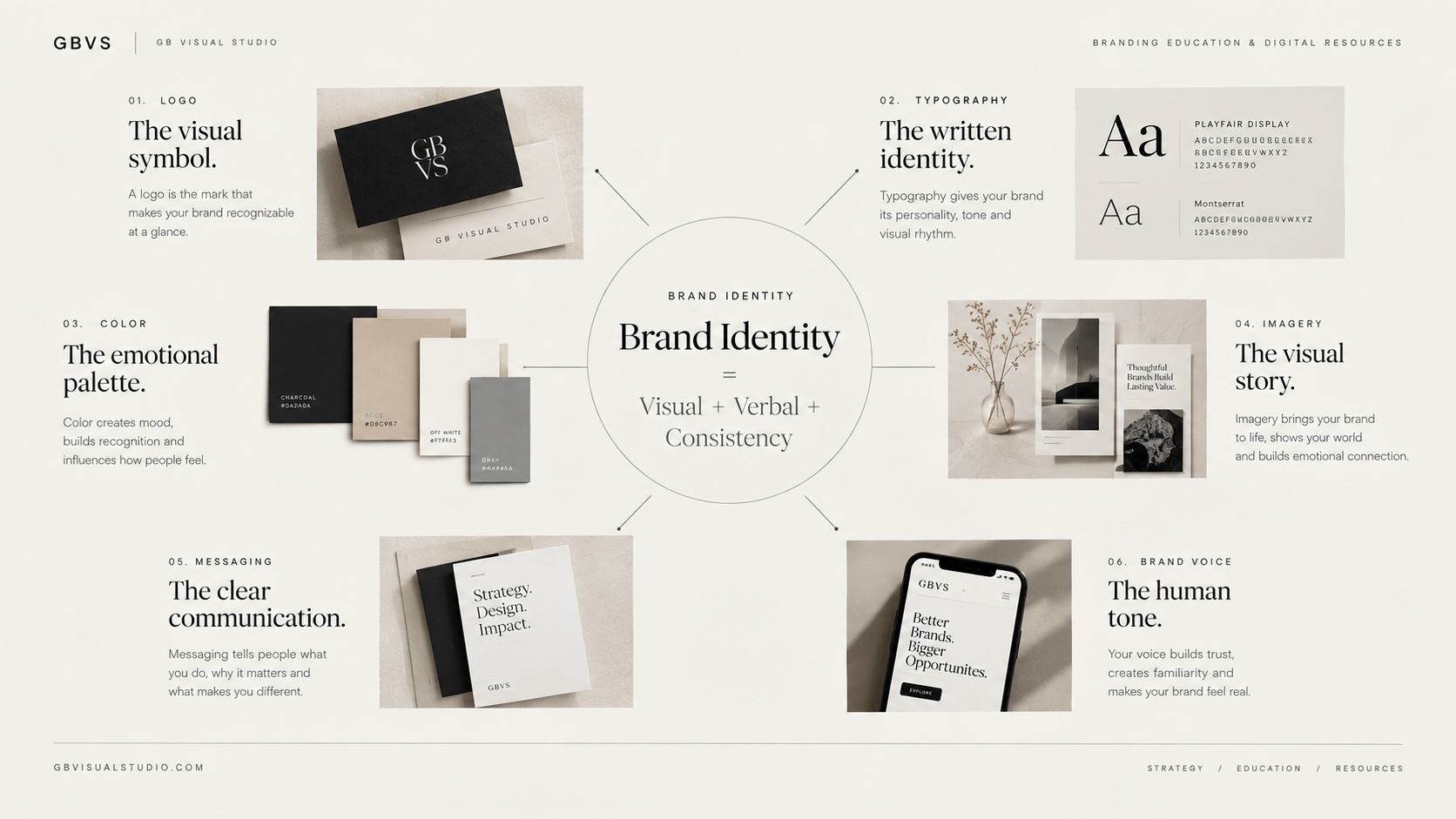
A brand identity defines the visual expression of the brand.
A brand design system organizes that expression into a reusable framework.
For example:
Brand identity
Logo + colors + typography + imagery + graphic style
Brand design system
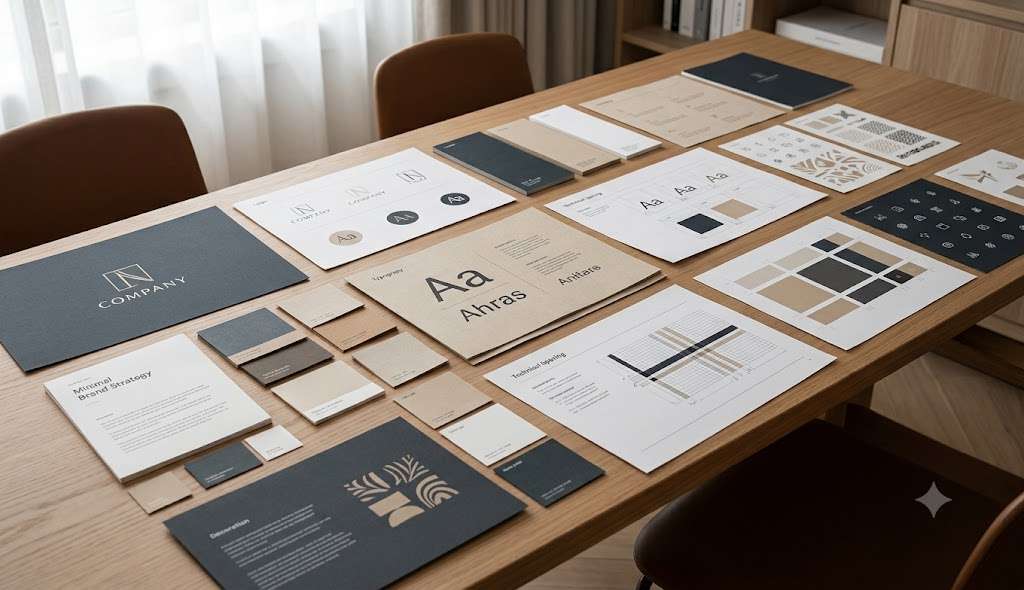
Logo rules + color hierarchy + typography hierarchy + grid + spacing + components + imagery rules + templates + application rules
The identity establishes the ingredients.
The design system establishes how the ingredients work together.
This is why a brand can have a professionally designed identity but still struggle with consistency.
Brand Design System vs Brand Guidelines
This distinction causes considerable confusion.
Brand guidelines traditionally document how the brand should be represented.
They may include:
- logo usage
- color specifications
- typography
- imagery
- tone
- examples of correct and incorrect applications
A design system can contain those elements, but it generally goes further into repeatable components and relationships.
For example, a brand guideline may state:
Use Montserrat Bold for major headings.
A design system might define:
H1 = Montserrat Bold, specific size range, line height, maximum width, spacing relationship, and approved color usage.
The difference is not simply document length.
It is the level of operational detail.
A useful way to think about it:
Brand guidelines explain the rules.
A design system helps people apply the rules repeatedly.
GBVS’s existing article on Brand Guidelines Explained can provide the foundational context before readers move deeper into design systems.
The Core Components of a Brand Design System
There is no universal list that every company must follow.
A design system should be built around the complexity of the brand and the channels where it operates.
However, most systems begin with a core visual foundation.
Logo System
Don’t think only about the primary logo.
A scalable logo system may include:
- primary logo
- secondary lockup
- symbol or mark
- horizontal version
- stacked version
- monochrome versions
- favicon or small-format mark
More importantly, define how and when each version is used.
For example, a horizontal logo might work well on a website header while a symbol works better as a social avatar.
The system makes those decisions intentional.
For more foundational logo education, connect this article to the GBVS logo resources.

Color System
A palette becomes more useful when colors have defined roles.
Instead of simply saying:
Black, white, beige and purple.
A system might define:
Primary color: core brand expression
Secondary color: supporting visual communication
Accent: emphasis and interaction
Background: primary surfaces
Text: body and heading hierarchy
Utility: success, warning, error, informational states
For a digital brand, this becomes especially important because color isn’t only decorative.
It can communicate hierarchy and interaction.
A button, hyperlink, heading, card, notification, and background may all need different treatments.
The result is a palette that behaves consistently rather than a list of color codes.
Typography System
Typography should also operate as a hierarchy.
A basic system might define:
Display
Large campaign headlines.
H1
Primary page headings.
H2 / H3
Section hierarchy.
Body
Main reading text.
Caption
Supporting information.
Label
Small UI or navigational text.
The system can also establish:
- font family
- weight
- size
- line height
- letter spacing
- capitalization
- maximum text width
- responsive behavior
This prevents every designer from making independent typography decisions.
Typography therefore becomes part of the brand’s architecture rather than an isolated font choice.
Layout and Grid System
This is one of the most overlooked parts of branding.
A brand can use the correct logo and colors while still looking inconsistent because its layouts have no shared logic.
A design system can establish:
- page margins
- grid structure
- column relationships
- alignment
- spacing
- content width
- image ratios
- card relationships
- hierarchy
For example, imagine a brand whose website consistently uses generous whitespace and a strong editorial grid.
Its social media designs can borrow that same structural logic.
The exact dimensions may change.
The visual behavior remains recognizable.
Imagery System
Photography and imagery can dramatically influence brand recognition.
A design system should therefore describe more than:
“Use professional photography.”
That’s too vague.
Instead, define characteristics such as:
Natural lighting, realistic environments, authentic expressions, minimal staging, neutral backgrounds, editorial composition.
You can also establish rules around:
- cropping
- aspect ratios
- image treatment
- subject positioning
- backgrounds
- overlays
- color grading
This becomes increasingly important when brands use stock imagery, generated visuals, user-generated content, and photography together.
Graphic Elements and Icons
A brand may use:
- lines
- shapes
- frames
- patterns
- illustrations
- icons
- textures
- borders
- decorative marks
Without a system, these elements can quickly become random decoration.
The design system should establish their visual language.
For example:
Use thin geometric lines as secondary navigation cues, never as primary decoration.
A small rule like this can create surprising consistency across dozens of designs.
Templates and Reusable Components
A scalable system eventually becomes practical through reusable components.
For a small business, this might include:
- Instagram carousel template
- social post template
- presentation template
- proposal template
- email header
- blog graphics
- Pinterest template
- lead magnet template
- advertisement template
For a digital product or SaaS company, it might also include:
- buttons
- cards
- forms
- navigation
- alerts
- tables
- dashboards
- empty states
The purpose isn’t to make every design identical.
The purpose is to make the brand recognizable while allowing flexibility.
A Realistic 2026 Example: A Growing Consultancy
Imagine a consulting business that started with one founder.
At first, the founder created every LinkedIn graphic and presentation personally.
The brand looked consistent because one person controlled everything.
Two years later, the business has:
- a website designer
- a content manager
- a freelance presentation designer
- a social media specialist
The team now produces dozens of assets every month.
The original brand guidelines contain six pages covering the logo, colors and fonts.
The team still keeps asking:
“How should we design this?”
So the company develops a design system.
It establishes:
Typography: defined heading and body hierarchy.
Color: primary, secondary, background and utility roles.
Layout: consistent grid and spacing.
Photography: documentary-style professional imagery.
Graphics: restrained geometric elements.
Templates: presentation, LinkedIn, website and lead-generation assets.
The result isn’t simply “more branding.”
The company has reduced the number of visual decisions required for every new asset.
That is the practical value of a design system.
Another 2026 Situation: AI-Assisted Content Production
There is another reason design systems are becoming increasingly useful.
AI-assisted workflows can accelerate content production, but speed can also increase inconsistency.
A team may generate:
- multiple campaign concepts
- social captions
- visual directions
- presentation drafts
- landing-page variations
in a fraction of the time.
But if there is no strong visual system, every output can start looking like a different brand.
A design system provides constraints.
Instead of asking an AI-assisted workflow:
“Create something professional for our brand.”
the underlying system can define:
typography hierarchy + approved palette + image treatment + layout logic + graphic language + component rules.
The technology can accelerate production.
The system protects consistency.
This is an important distinction for brands entering increasingly automated content workflows in 2026.
A Brand Design System Is Not About Making Everything Look the Same
This is a common misunderstanding.
Consistency doesn’t mean repetition.
A good system allows controlled variation.
Think about a magazine.
Every page doesn’t look identical.
But the publication still feels like the same publication because its typography, grid, imagery, hierarchy, and editorial rules remain coherent.
Brands work similarly.
Your homepage, Instagram carousel, presentation, advertisement, and packaging can look different.
They should still feel related.
The goal is:
recognizable consistency + purposeful flexibility.
How to Know If Your Brand Needs a Design System
You may benefit from a design system if:
Your brand appears inconsistent across platforms.
Different designers interpret your identity differently.
You repeatedly recreate the same assets.
Your team spends too much time deciding basic visual details.
Your social media templates keep changing.
Your website and marketing materials feel disconnected.
Your brand has expanded into new channels.
You are working with freelancers or external partners.
Your content volume has increased significantly.
You are using AI-assisted creative production and need stronger visual constraints.
You don’t necessarily need a 50-page document.
The system should match the complexity of your business.
What Should a Small Business Brand Design System Include?
A small business doesn’t need to imitate a global corporation.
A practical starter system could include:
Foundation
Logo, colors, typography and imagery.
Structure
Grid, spacing, hierarchy and layout principles.
Components
Buttons, cards, icons, graphic elements and recurring visual patterns.
Applications
Social templates, website rules, presentation templates and marketing assets.
Usage
Clear examples showing how the system works in real situations.
That may be enough to create significant consistency.
The system can expand as the business grows.
Brand Design System Checklist
Before considering your system complete, ask:
Can someone else use the brand without asking me basic visual questions?
If the answer is no, the system may need more practical guidance.
Also ask:
Can we create a new social post without reinventing the visual language?
Can a freelancer understand the brand quickly?
Does our website feel related to our social content?
Are typography and spacing decisions consistent?
Do our templates create flexibility rather than visual repetition?
Can our system accommodate new channels?
The goal is not documentation for its own sake.
The goal is operational clarity.
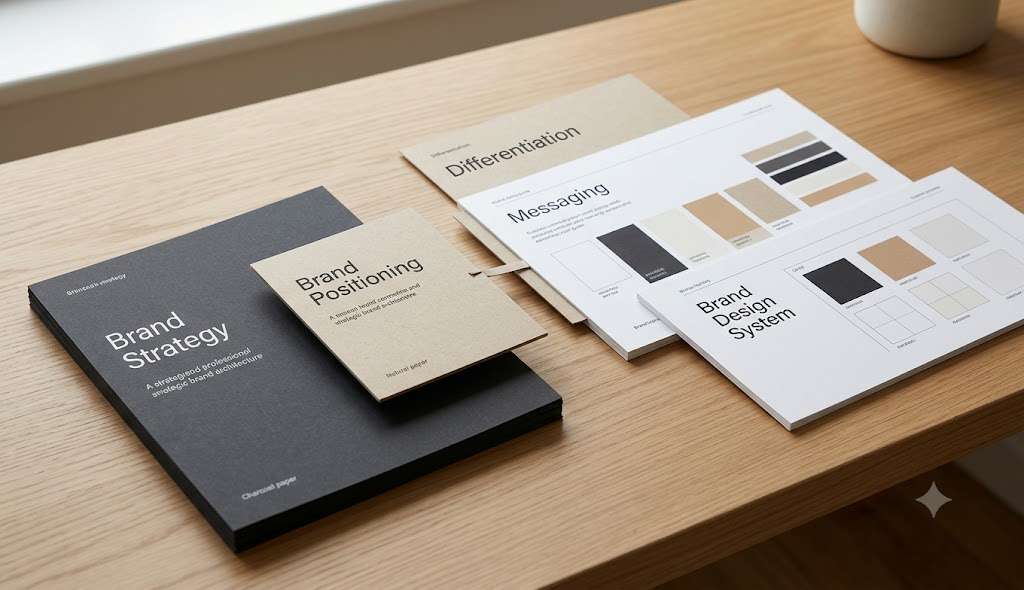
From Brand Strategy to Design System
A design system should not be created in isolation.
There is a strategic sequence behind it:
Brand Strategy
↓
Brand Positioning
↓
Brand Differentiation
↓
Brand Messaging
↓
Brand Identity
↓
Brand Design System
The strategy establishes what the brand should communicate.
The identity establishes how that strategy becomes visually recognizable.
The design system establishes how that identity can be applied repeatedly.
This is why jumping directly into colors, fonts, or templates can create a polished visual identity without creating a coherent brand.
For the strategic foundation, see: What Is Brand Strategy?
And for the identity layer: Brand Identity – beginner guide
How a Design System Supports Brand Recognition
Recognition is built through repeated exposure to consistent signals.
A customer may not consciously identify your exact font or spacing system.
But repeated visual patterns can contribute to familiarity.
For example, imagine encountering a company’s:
- website
- social post
- presentation
- advertisement
If each uses related visual cues, the brand becomes easier to recognize.
That is one reason a design system can support the broader goal of building brand recognition.
When Should You Build a Brand Design System?
There is no magic revenue number.
The better question is:
Has the complexity of your brand outgrown informal design decisions?
A solo founder with one website and occasional social posts may only need a simple set of guidelines.
A growing business publishing across several platforms and working with multiple designers may need a more developed system.
Start when inconsistency begins costing you time, clarity, or recognizability.
Then expand the system as your communication ecosystem expands.
Final Takeaway
A brand design system is not simply a larger brand guidelines document.
It is a framework for making visual decisions consistently.
It connects the elements of your identity and establishes how they behave across real applications.
In 2026, this matters because brands are producing more content across more channels, often with more people and increasingly AI-assisted workflows involved.
The answer isn’t necessarily more templates.
It is better structure.
Start with the core:
Logo → Color → Typography → Layout → Imagery → Graphic Language → Components → Templates
Then define how those elements interact.
Your brand should have enough flexibility to evolve without losing the visual signals that make it recognizable.
That is the real purpose of a brand design system:
not to make every piece of content identical, but to make every piece unmistakably part of the same brand.
Frequently Asked Questions
What is a brand design system?
A brand design system is a structured framework of visual elements, components, rules, and relationships that helps a brand maintain consistency across different channels and applications.
Is a brand design system the same as brand guidelines?
No. Brand guidelines document how a brand should be represented, while a design system generally provides a more operational framework for repeatedly applying visual elements and components.
What does a brand design system include?
It can include logo rules, color roles, typography hierarchy, grids, spacing, imagery, icons, graphic elements, templates, components, and application examples.
Do small businesses need a brand design system?
Not every small business needs a complex system. However, a lightweight design system can be useful when a business communicates across multiple channels or works with multiple people.
What is the difference between a brand identity and a design system?
Brand identity defines the visual expression of a brand. A design system organizes that expression into reusable rules and components.
Can AI be used with a brand design system?
Yes. A clear system can provide constraints for AI-assisted creative workflows, helping teams maintain visual consistency while producing content more efficiently.
How long should a brand design system be?
There is no standard length. A small business may need a concise system, while a larger organization with many channels and digital products may require much more detailed documentation.
When should a brand create a design system?
A brand should consider one when visual inconsistency, repeated design decisions, multiple contributors, or expanding communication channels make informal brand management difficult.