Your brand guidelines might tell a designer which colors to use.
Your brand identity might provide the logo, fonts, photography style, and visual elements.
But what happens when five different people need to use those assets across a website, Instagram, presentations, advertisements, PDFs, email campaigns, and digital products?
That is where a brand design system becomes practical.
A design system turns individual brand decisions into a repeatable framework.
Instead of repeatedly asking:
“How should we design this?”
your team can ask:
“Which existing brand rule or component applies here?”
That distinction becomes increasingly important in 2026, when businesses are producing more visual content, collaborating with distributed teams, and using AI-assisted workflows to accelerate production.
A brand design system does not need to be complicated.
For a small business, it can begin as a focused set of visual rules and reusable components.
For a larger organization, it can eventually become a sophisticated ecosystem connecting brand identity, marketing, product design, and digital interfaces.
This guide explains how to build one from the ground up.
What You'll Learn
ToggleWhat Is a Brand Design System?
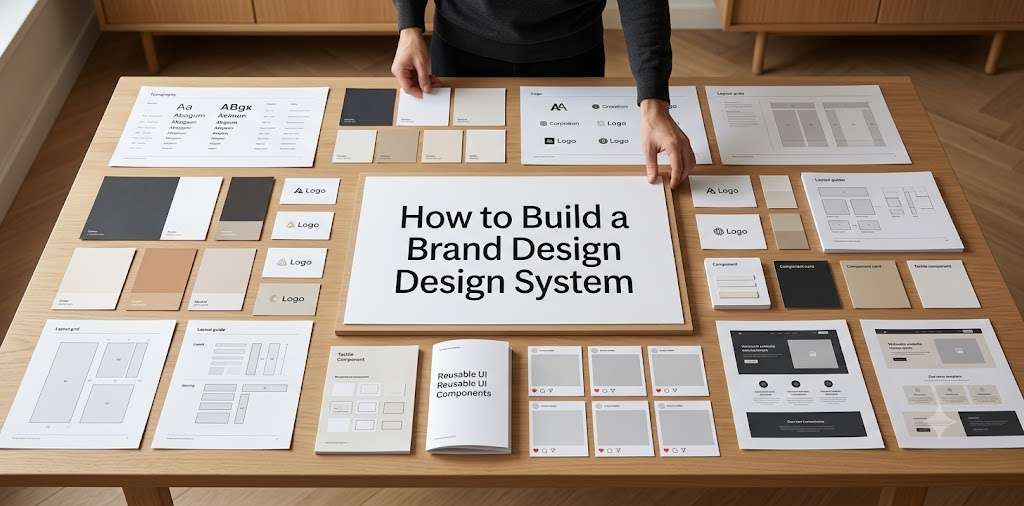
A brand design system is a structured framework that defines how a brand’s visual identity is applied consistently across different touchpoints.
It can include:
Visual foundations: logo, color, typography, imagery.
Design principles: hierarchy, spacing, composition, balance.
Components: buttons, cards, icons, graphic elements.
Templates: social posts, presentations, advertisements, documents.
Application rules: how the system adapts to different platforms.
The important part is the relationship between these elements.
A collection of brand assets is not automatically a design system.
The system explains how those assets work together.
Before You Build: Start With Brand Strategy
One of the easiest ways to create an ineffective design system is to begin with colors and fonts.
Design should have a strategic reason behind it.
Before building your system, clarify:
Who is the brand for?
What does the brand stand for?
How should it be positioned?
What makes it different?
What should customers feel or understand?
Where will the brand appear?
For example, a premium B2B consultancy and a playful creator brand might both need a logo, typography system, and social templates.
Their design systems should not behave the same way.
The strategic foundation determines the visual behavior.
Start with the broader Brand Strategy Guide if these decisions aren’t established yet.
You can then connect that strategy to your Brand Positioning Guide.
Step 1: Audit Your Existing Brand
Don’t build your system from a blank page if the brand already exists.
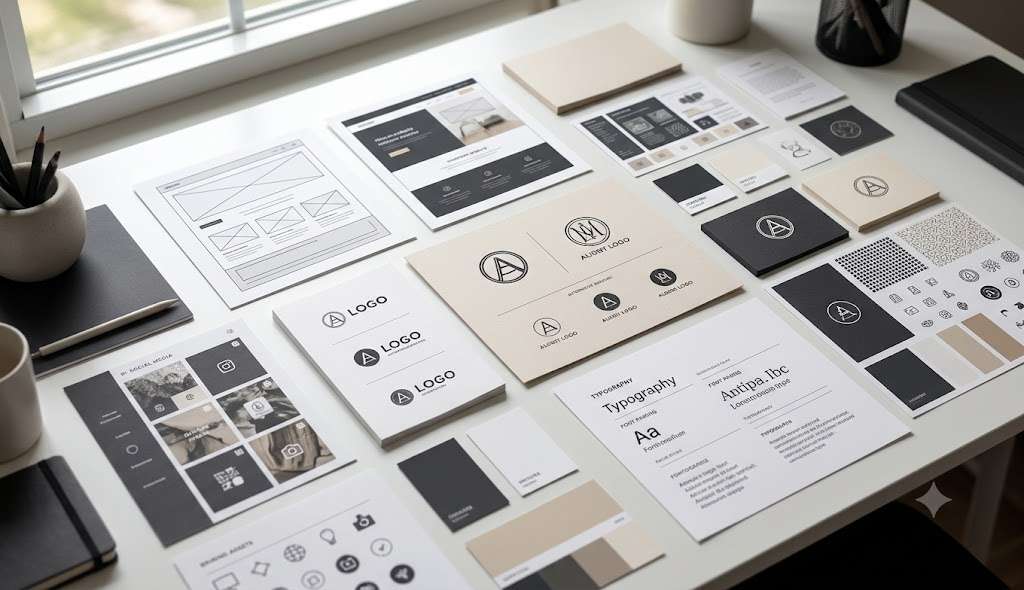
First, collect what you already use.
Gather:
- logos
- fonts
- color codes
- website designs
- social media graphics
- presentations
- advertisements
- packaging
- documents
- photography
- illustrations
- icons
- templates
Then look for patterns.
You may discover that the brand already has an informal design system.
For example, perhaps every Instagram carousel uses:
large headline + generous whitespace + dark background + one accent color + small logo.
That pattern is valuable.
Document it rather than replacing it unnecessarily.
You may also discover contradictions.
Perhaps the website uses one typeface while presentations use another.
Or the brand has three different versions of its accent color.
These inconsistencies become your first design-system problems to solve.
Step 2: Identify Your Most Important Touchpoints
You don’t need to design every possible application immediately.
Start with the places where customers interact with the brand most frequently.
For a service business, that might be:
Website → Instagram → proposals → presentations → email → lead magnets
For an e-commerce business:
Website → product pages → packaging → advertising → email → social
For a SaaS company:
Website → product interface → onboarding → email → documentation → advertising
Your system should prioritize reality.
There is little value in spending weeks documenting an application nobody uses.
Step 3: Establish the Visual Foundation
Now define the core visual elements.
Logo
Document:
- primary logo
- secondary logo
- symbol
- minimum size
- clear space
- background usage
- incorrect usage
Don’t create unnecessary logo variations.
Every additional variation creates another decision.
Only include versions that solve a genuine application problem.
Color
Turn the palette into roles.
Instead of:
Black: #0A0A0A
White: #FFFFFF
Beige: #F4F0E8
define how those colors behave.
For example:
Primary: brand-defining color
Background: primary surface
Text: primary reading color
Accent: emphasis and interaction
Muted: supporting information
The system should make color selection easier.
It should also account for accessibility when colors are used for text, controls, and digital interfaces.
Typography
Define the hierarchy rather than simply listing font names.
A practical system could include:
Display: campaigns and major statements
H1: page titles
H2: major sections
H3: subsections
Body: long-form reading
Small text: metadata and supporting information
Labels: navigation and UI
For each level, determine appropriate size, weight, line height, and spacing.
The exact values will depend on the medium.
A website, presentation, and Instagram graphic do not necessarily need identical typography dimensions.
They need a consistent typographic logic.
Step 4: Create Design Principles
This is where your system begins becoming distinctive.
Instead of documenting only technical specifications, define how the brand should behave visually.
For example:
Use generous negative space.
Prioritize one dominant message per composition.
Use accent colors sparingly.
Prefer editorial photography over generic stock imagery.
Keep decorative elements secondary to content.
Use strong typographic hierarchy.
These principles help designers make decisions when the guidelines don’t provide an exact answer.
A good design system therefore contains both:
rules and judgment.
Step 5: Define the Layout System
Now establish the structural logic behind your designs.
Depending on the brand, document:
- grid
- columns
- margins
- spacing
- alignment
- content width
- image proportions
- card structure
- section relationships
For digital products, this might become highly technical.
For a small branding studio, it could remain relatively simple.
For example:
Use a consistent left alignment for primary headlines.
Keep generous spacing between major sections.
Limit long-form text to a readable content width.
Use one dominant visual per composition.
The purpose is not mathematical perfection.
It is repeatability.
Step 6: Build a Spacing System
Spacing is often treated as a minor design detail.
It shouldn’t be.
Inconsistent spacing can make otherwise professional work feel improvised.
A simple spacing scale can solve this.
For example, a digital system might use a base unit and multiples of that unit for:
- component padding
- section spacing
- heading margins
- card gaps
- button spacing
The exact scale isn’t universal.
What matters is consistency.
Once a spacing system exists, designers don’t need to invent margins independently for every component.
Step 7: Build Reusable Components
Now move from foundations into reusable design elements.
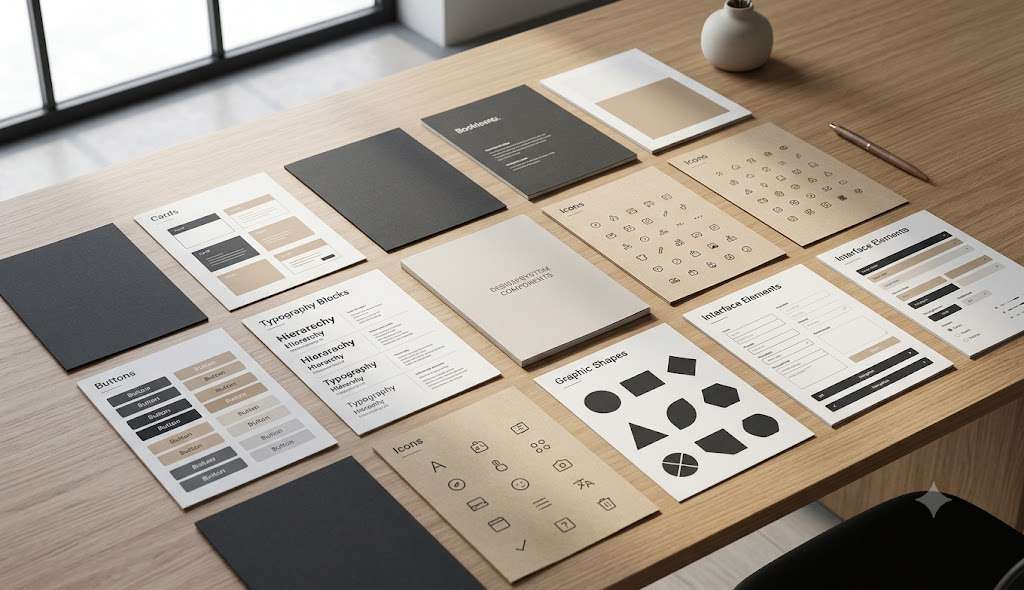
Depending on your brand, components might include:
Buttons
Primary, secondary, text-based.
Cards
Content cards, product cards, service cards.
Forms
Input fields, labels, validation states.
Navigation
Desktop, mobile, dropdown, footer.
Social elements
Quote blocks, title treatments, CTA layouts.
Graphic elements
Lines, frames, shapes, badges, dividers.
Each component should have a clear purpose.
For example, instead of creating ten unrelated CTA designs, establish two or three approved CTA structures.
That gives the team flexibility without encouraging visual chaos.
Step 8: Create Templates for High-Frequency Content
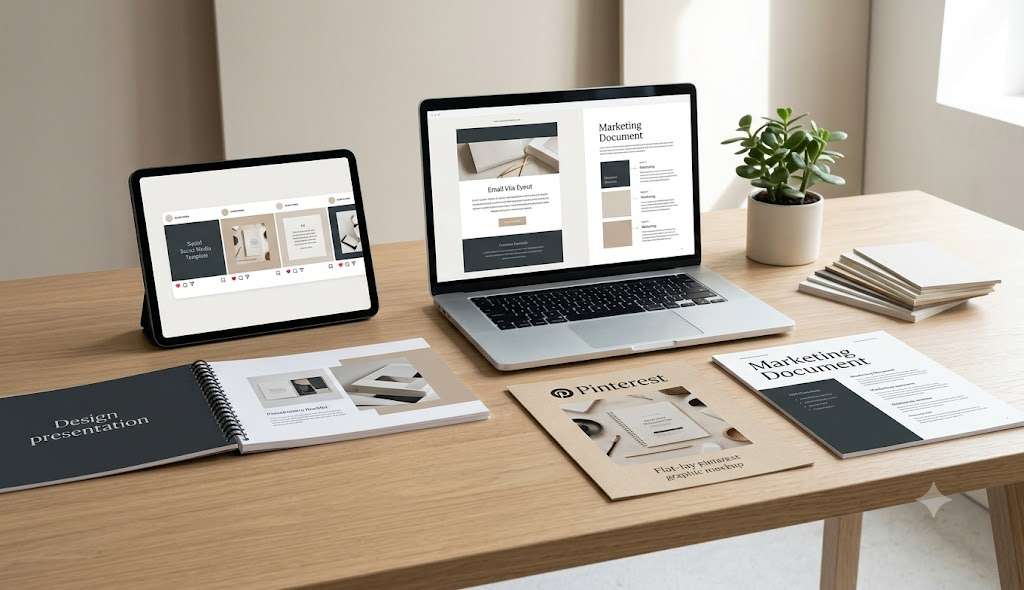
Templates are where a design system becomes particularly useful for marketing teams.
Suppose a business publishes:
- four Instagram Reels
- two carousels
- several Stories
- multiple Pinterest graphics
- weekly emails
- regular blog articles
If every asset is designed from scratch, maintaining consistency becomes difficult.
Templates create a starting structure.
For example, a carousel system might define:
Cover → Context → Insight → Example → Framework → CTA
The design can vary.
But the visual hierarchy remains familiar.
A Pinterest system might establish:
Headline → supporting statement → visual → brand marker
Again, the content changes while the design logic remains consistent.
Templates should support creativity rather than eliminate it.
Step 9: Define Imagery Rules
A strong imagery system can make a significant difference to brand recognition.
Document the characteristics of acceptable imagery.
For example:
Natural lighting.
Realistic environments.
Editorial composition.
Minimal artificial posing.
Consistent crop styles.
Neutral or brand-compatible environments.
Authentic subject matter.
Also document what should generally be avoided.
For example:
overly staged corporate stock photography
generic handshake imagery
excessive visual effects
inconsistent illustration styles
The goal is not to eliminate every unusual image.
It is to establish a recognizable visual direction.
Step 10: Create Real Application Examples
This step is frequently skipped.
A system becomes much easier to understand when people can see it working.
Instead of documenting:
“Use generous whitespace.”
show:
Correct example: a composition with clear hierarchy and deliberate negative space.
Incorrect example: the same content crowded into a smaller area.
Do this for your most important rules.
Examples transform abstract instructions into practical decisions.
A designer can interpret:
“Use the accent color sparingly.”
in many different ways.
But a visual example demonstrates exactly what the brand considers appropriate.
Step 11: Document the System
Now bring everything together.
Your documentation might include:
Brand Foundation
Logo, colors, typography and imagery.
Design Principles
The visual behaviors that define the brand.
Layout
Grid, spacing, alignment and composition.
Components
Reusable visual and digital elements.
Templates
High-frequency marketing and communication formats.
Applications
Real examples across relevant channels.
Don’t focus on page count.
A 20-page system that people actually use is more valuable than a 100-page document nobody opens.
A Realistic 2026 Example: Building a System for a Growing Studio
This is one of the most useful tests you can perform.
Give your system to someone who did not create it.
Ask them to produce one real asset.
Don’t explain anything beyond the documentation.
Then observe where they get stuck.
If they repeatedly ask:
“Which logo should I use?”
or:
“What size should this heading be?”
or:
“Can I use this color here?”
those questions reveal gaps in the system.
Don’t simply answer them.
Update the system.
This creates an important feedback loop:
Use → Observe → Identify ambiguity → Improve → Reuse
A design system should evolve through actual use.
Step 12: Test the System With Someone Else
This is one of the most useful tests you can perform.
Give your system to someone who did not create it.
Ask them to produce one real asset.
Don’t explain anything beyond the documentation.
Then observe where they get stuck.
If they repeatedly ask:
“Which logo should I use?”
or:
“What size should this heading be?”
or:
“Can I use this color here?”
those questions reveal gaps in the system.
Don’t simply answer them.
Update the system.
This creates an important feedback loop:
Use → Observe → Identify ambiguity → Improve → Reuse
A design system should evolve through actual use.
Step 13: Create a Governance Process
A design system eventually needs ownership.
Otherwise, people start adding unofficial components.
One designer creates a new button.
Another creates a different card.
A freelancer introduces a new color.
Six months later, the system has fragmented.
Define who can approve changes.
For a small business, this could simply be the founder or lead designer.
For a larger organization, it may involve brand, marketing, product, and design teams.
The process doesn’t need to be bureaucratic.
It simply needs to answer:
Who decides when the system changes?
How to Keep Your Brand Design System Flexible
A system shouldn’t become a creative prison.
Create room for experimentation.
One useful model is:
Core rules + approved flexibility + experimentation
The core rules protect recognition.
Approved flexibility allows different channels to adapt.
Experimentation allows the brand to evolve.
For example, your core typography may never change.
But an advertising campaign might temporarily introduce a new composition style.
The question isn’t:
“Is every design identical?”
It is:
“Does this variation still belong to the same visual world?”
Common Brand Design System Mistakes
Building the System Before the Strategy
If you don’t know what the brand should communicate, visual rules can become arbitrary.
Documenting Everything
More documentation isn’t automatically better.
Only document decisions that people actually need.
Creating Too Many Components
A component library can become harder to manage than the original problem.
Build what you repeatedly use.
Making Templates Too Rigid
If every post looks identical, the brand can become predictable.
Create structures rather than forcing identical layouts.
Ignoring Real Applications
A system that only looks good inside a PDF may fail in actual marketing.
Test it on real content.
Never Updating It
Markets, platforms, products, and communication needs change.
A useful system should evolve.
Brand Guidelines vs Brand Design System
At this point, an important question naturally appears:
If I already have brand guidelines, do I really need a design system?
The answer depends on what your existing guidelines contain and how your team uses them.
Some brand guidelines are comprehensive enough to provide substantial operational guidance.
Others primarily document identity assets and usage rules.
The distinction is therefore not:
“Guidelines are old and systems are new.”
It is:
What level of practical guidance does your brand need to maintain consistency?
How a Design System Connects to Your Brand Identity
Your brand identity remains the foundation.
The system simply makes that identity easier to apply.
Think of the relationship as:
Brand Strategy
↓
Positioning
↓
Messaging
↓
Brand Identity
↓
Design System
↓
Applications
This creates a logical path from strategic decisions to everyday design.
You can also review the essential identity components here
When Should You Build a Brand Design System?
You don’t need to wait until your business becomes large.
But you also don’t need a complex system on day one.
The right moment is usually when repeated visual decisions begin creating friction.
If you’re repeatedly:
- recreating assets
- correcting inconsistent designs
- explaining brand rules
- redesigning the same formats
- working with multiple designers
- publishing across many channels
a design system can reduce that friction.
Start small.
Build around your most important touchpoints.
Then expand based on actual needs.
Final Takeaway
Building a brand design system is ultimately an exercise in turning visual decisions into repeatable behavior.
Start with your existing brand.
Audit what already works.
Identify inconsistencies.
Clarify your visual foundation.
Define principles.
Create hierarchy.
Build reusable components.
Develop templates.
Document real examples.
Then test the system with someone else.
Most importantly, don’t confuse complexity with quality.
A useful design system is not the one with the most pages.
It is the one that makes the next design decision easier while keeping the brand recognizable.
In 2026, when brands can produce content faster than ever, the competitive advantage isn’t necessarily producing more visual assets.
It is being able to produce more without losing coherence.
That is what a well-built brand design system enables.
Frequently Asked Questions
How do I create a brand design system?
Start by auditing your existing identity and identifying the channels where the brand is most frequently used. Then define visual foundations, design principles, layout rules, reusable components, templates, application examples, and documentation.
What should a brand design system include?
A practical system can include logos, color roles, typography hierarchy, imagery rules, layout, spacing, graphic elements, components, templates, and real-world examples.
Is a brand design system the same as a brand identity?
No. Brand identity defines the visual expression of the brand. A design system organizes that identity into repeatable rules and components.
How is a brand design system different from brand guidelines?
Brand guidelines primarily document brand usage. A design system generally focuses more heavily on repeatable application, relationships between components, and practical production.
Does a small business need a brand design system?
A small business doesn’t necessarily need a complex system. However, even a lightweight system can improve consistency when the business produces regular content or works with multiple contributors.
How long does it take to build a brand design system?
The timeline depends on the brand’s complexity, number of channels, and number of components. A small business can start with a lightweight system, while a large organization may require a much more extensive process.
Can a brand design system change?
Yes. A design system should evolve as the brand, products, channels, and customer experience change. Changes should be deliberate and documented.